Accessible by Default: Habits for Frontend Teams
Accessibility is cheapest when it is a habit in every component, not an audit before launch.

Accessibility work often arrives as a late-stage audit with hundreds of findings. That is the expensive way. The inexpensive way is to build a small set of habits into how components are written, so most issues never appear.
Use semantic HTML before reaching for ARIA. A button element gives you keyboard support, focus and screen-reader semantics for free; a div with a click handler gives you none of them. Headings should describe structure, lists should be lists, and forms should have real labels connected to their inputs.
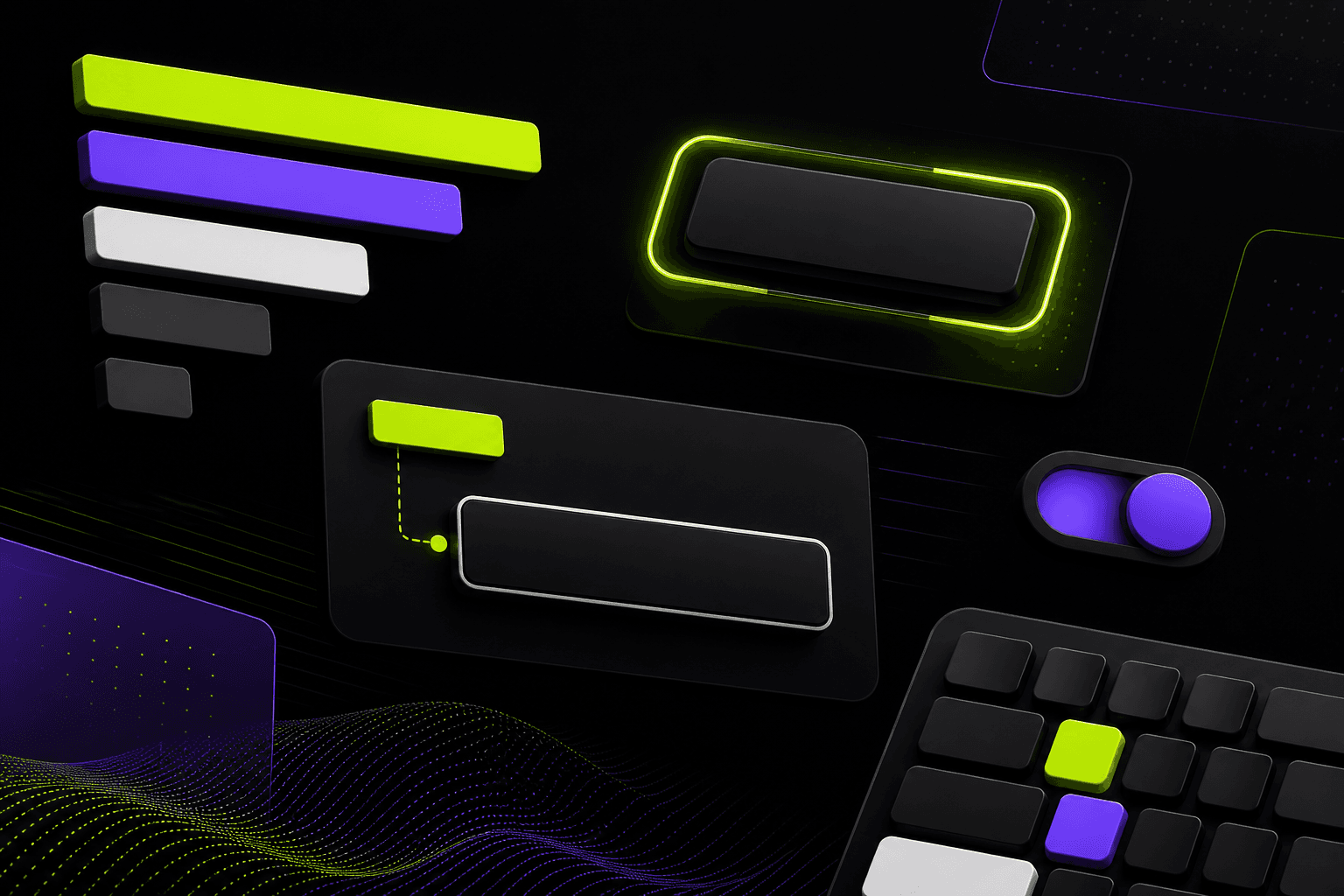
Make focus visible and logical. Users who navigate with a keyboard need to see where they are and move in a sensible order. Never remove outlines without replacing them with an equally visible style. Modals should trap focus while open and return it when closed.
Check contrast and motion. Text needs sufficient contrast against its background, including placeholder text and disabled states that designers often make too faint. Animations should respect the user's reduced-motion preference, which is a one-line media query in CSS or a hook in most animation libraries.
Test with a keyboard and a screen reader for a few minutes each week. Automated tools catch perhaps a third of problems; the rest show up the moment you try to use your own product without a mouse.