MCP Explained: A Standard Interface for AI Tools
The Model Context Protocol gives assistants a standard way to discover and call tools, so integrations stop being one-off glue code.

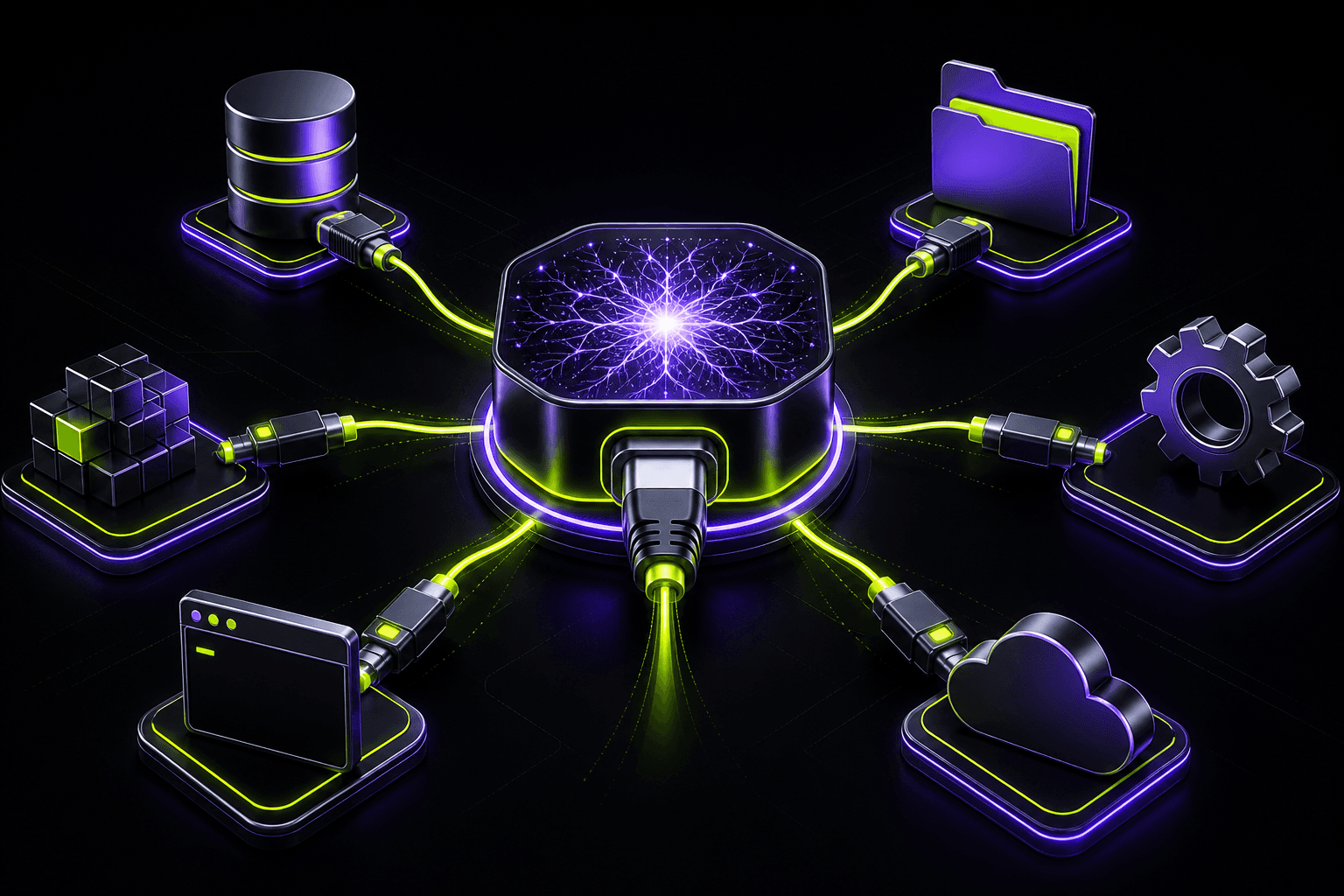
Every AI assistant needs access to the outside world: files, databases, ticketing systems, deployment platforms. Until recently each product built its own plugin format, and every integration had to be rewritten for each assistant. The Model Context Protocol (MCP) addresses this by defining one interface between an AI client and a tool server.
An MCP server exposes three kinds of things: tools the model can call, resources it can read, and prompts it can reuse. The server describes each tool with a name, a description and a JSON schema for its inputs. The client, whether an IDE, a chat app or an agent runtime, lists those capabilities and lets the model decide when to use them.
For developers the practical benefit is reuse. Build one server for your internal API and it works in every MCP-compatible client. The schema-driven design also improves reliability: the model receives precise argument definitions, and the server validates inputs before executing anything.
Security still belongs to you. Treat every tool call as untrusted input, scope credentials narrowly, and require confirmation for destructive actions. A protocol standardizes the plumbing; it does not decide what the model is allowed to do.
Start small: wrap two or three read-only operations, connect them to your editor, and observe how the model uses them. The descriptions you write matter as much as the code, because they are the documentation the model reads.